









How Qwick Interactive Signage Works

Your content. Any screen. Instantly. Create playlists, set schedules, and launch interactive & digital signage in minutes — simple, scalable, and cloud-based.
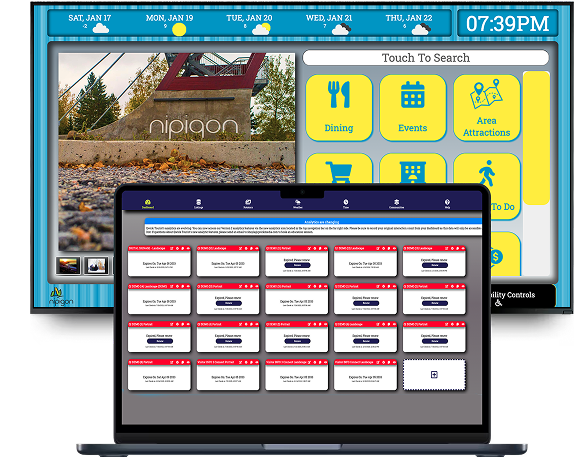
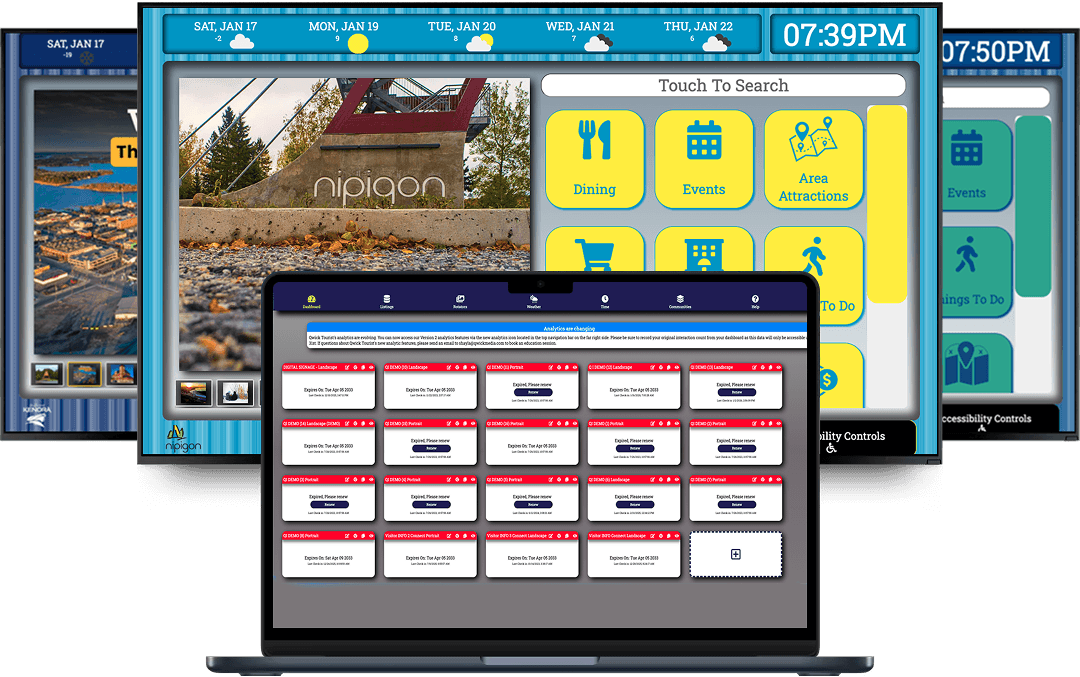
Qwick Interactive kiosk and laptop mockup

OVERVIEW

How Qwick Interactive Works

Setting up your interactive digital signage is easier than ever with Qwick Interactive. Watch how you can have your content live in no time.

GET STARTED

Get Started With Interactive Digital Signage In 3 Simple Steps

1. Select the screens you need

If you're not using an All-in-One, choose an Android player for your touchscreen. For floor displays, pick a stand that matches your screen size and orientation.

2. Sign in to Qwick Interactive

Create your account at QwickInteractive.com and start building your touchscreen experience.

3. Deploy Your Sign

Install your finished layout using the Qwick Interactive app available on the Google Play Store.

Qwick Interactive on multiple screens
1

Select the screens you need

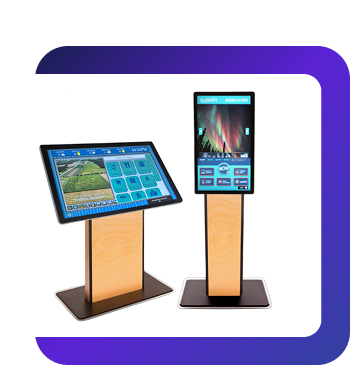
Choose the right display setup for your environment. Use an all-in-one touchscreen or pair your screen with a compatible Android player. For floor displays, select a stand that matches your screen size and orientation.
Select the screens you need

Flexible Hardware Options

Qwick Interactive works with a variety of screen types and Android players, giving you the flexibility to build a setup that fits your space perfectly.

2

Sign in to Qwick Interactive

Create your account at Qwick Interactive and start building your touchscreen experience. The platform is intuitive, allowing you to design layouts, add content, and customize interactions.

Easy Content Creation

Design and manage your touchscreen interface with a user-friendly system. Update content, organize layouts, and control your display experience without technical complexity.

3

Deploy Your Sign

Install your finished layout using the Qwick Interactive app available on the Google Play Store. Once connected, your display goes live and is ready for user interaction.

Quick & Seamless Deployment

Launch your interactive display in just a few steps. Updates can be pushed instantly, keeping your content fresh and relevant at all times.

No hardware yet? Try a Demo Screen

Test the full platform experience using a built-in demo screen right inside your Qwick Interactive CMS account. Preview content, check layouts, and see how everything works before connecting real hardware.

Getting started is easier than you think

  • Manage in your browser

    No need to install anything on your PC — just open Qwick Interactive CMS, upload content, and control your screens remotely.

  • Works with your existing setup

    No need to buy new hardware. Use screens or devices you already have to launch your signage.

  • Quick setup process

    From first login to screen-ready — everything takes just a few minutes.

  • Manage screens remotely

    Control all content and screens from one dashboard — wherever you are.

  • Built for non-tech-savvy users

    Clear interface, smart tools, editable templates — so you can get started without any IT background.

  • Scales as you grow

    Whether you manage 1 screen or 10,000 — Qwick Interactive adapts to your needs without extra complexity.